For PS5 · DualSense
Phone Mount Bundle for PS5
Phone Mount + grip sized for the PS5 DualSense controller. Turns your phone + DualSense into a handheld console.
- Phone Mount + MagSafe adapter ring$25
- Controller grip$9
$30$34

A step-by-step walkthrough for iPhone (and Android) plus the simple add-on that turns your phone + controller into something that feels closer to a Steam Deck than a phone.

Phones are powerful enough to run the most demanding games. The piece that's still awkward? The controls. Tapping a glass screen will never feel like the real thing, but pairing a console controller you already own with your phone fixes that in about thirty seconds.
Everything here works with controllers you almost certainly already own: PS5 DualSense, Xbox Wireless, and the PS4 DualShock 4.
The main event
Apple added native support for the major console controllers a few years back, so this is a one-time Bluetooth pairing. No app, no cable.
Make sure you're on a current version of iOS. Open Settings → General → Software Update and install anything pending.

PS5 (DualSense): Hold the PS button and Create button together until the light bar pulses blue.
Xbox Core: Press the Xbox button to turn on, then hold the small Pair button on the top edge until the Xbox button flashes quickly.
8BitDo Pro 2: Set the mode switch on the back of the controller to D, then press the Start button. The 1st LED starts to blink. Hold the Pair button for ~3 seconds until the LEDs flash rapidly.

Go to Settings → Bluetooth. Make sure the toggle is on.

Your controller will appear as DualSense Wireless Controller, Xbox Wireless Controller, or 8BitDo Pro 2. Tap it. The status will switch to Connected and the controller's light will go solid.

That's it. Any game with controller support (most major titles, all Apple Arcade, cloud apps like Xbox Cloud Gaming, GeForce NOW, PS Remote Play) will pick the controller up automatically.

Menus vary slightly by manufacturer (Samsung, Google, OnePlus). The path is always Bluetooth → pair new device The wording is just labelled differently.
The upgrade nobody told you about
A paired controller solves the controls. It doesn't solve the fact that you're holding the controller in two hands and the phone is sitting on a table, or wedged against a coffee mug.
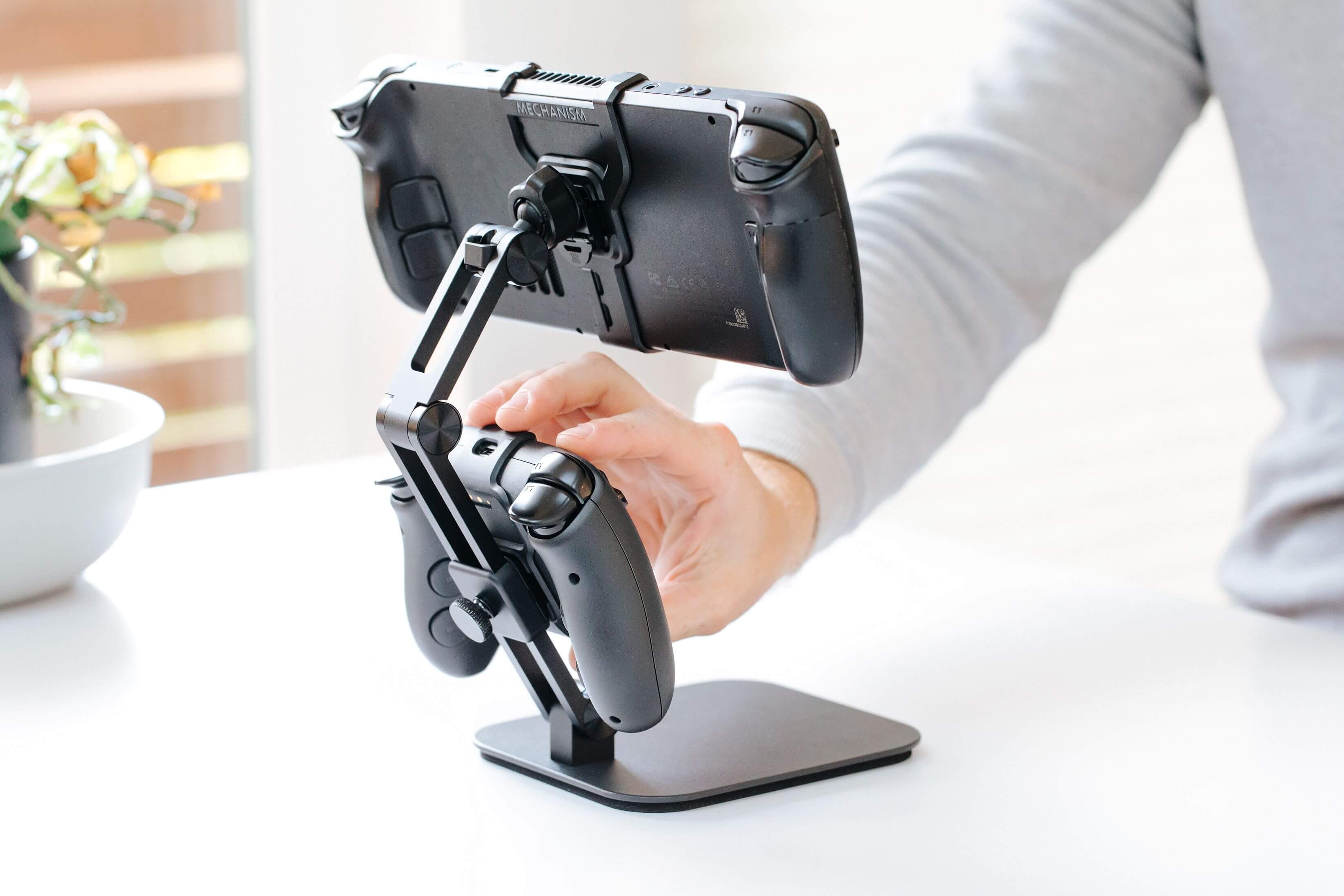
The fix is mechanical, not digital. Mount the phone to the controller. Now you've got a single, rigid, two-handed device, the same form factor as a Steam Deck, Switch, or any other handheld console. Built from parts you already own.


Part 1 of 2 · Phone Mount
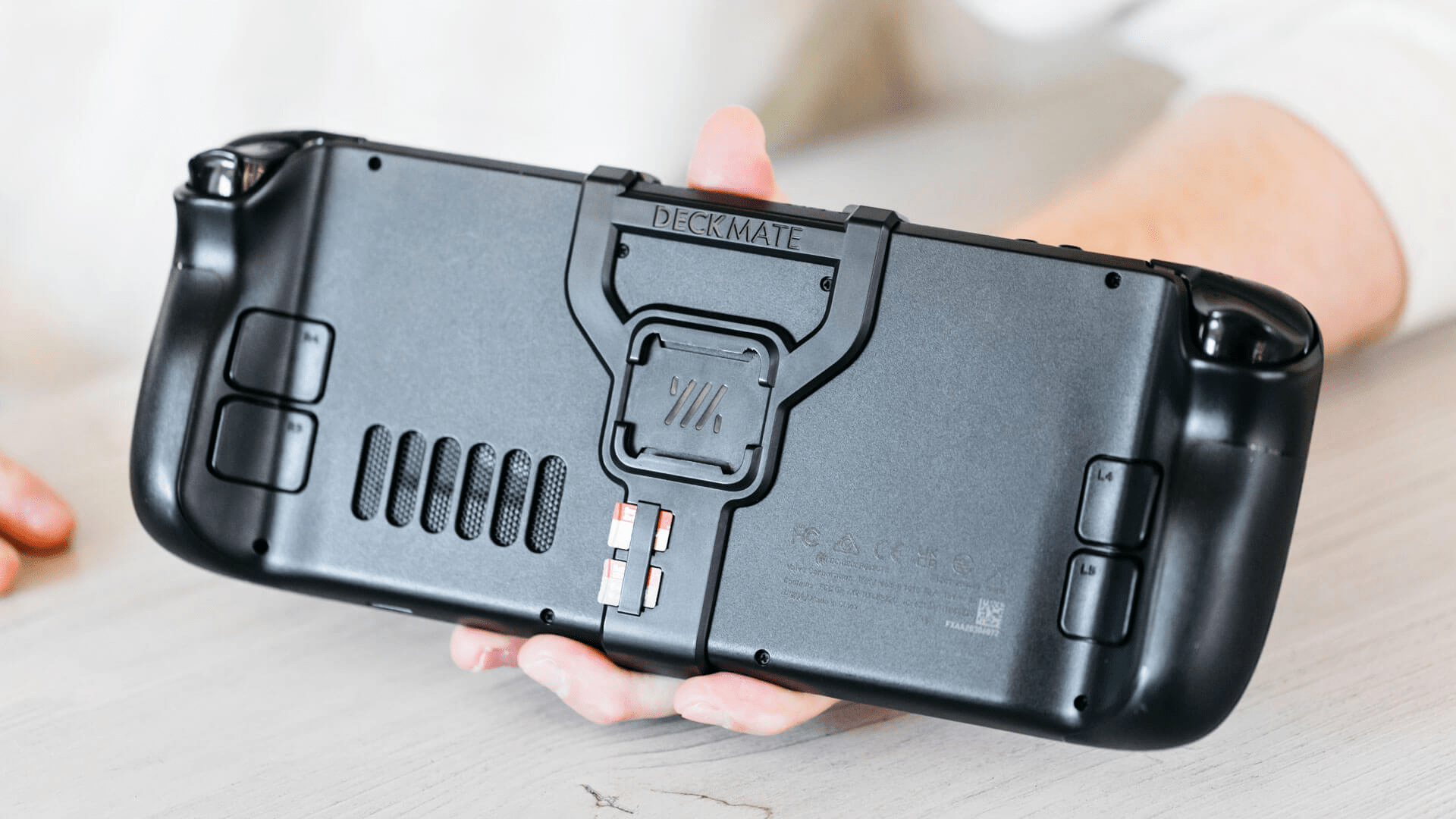
The Phone Mount clips onto any of the 'Innies' that Mechanism makes. These 'Innies' work across all your devices, from controllers to consoles, and in combination with the phone mount, hold your phone securely, and at just the right angle. No more fumbling with your phone while you play.
Best of all, a single phone mount can be used across all your devices. Quickly mount it onto any of your controllers or even on top of your consoles like the Steam Deck or Nintendo Switch.
See the bundle that includes this →Part 2 of 2 · Grip
Mechanism makes 'innies' for each major controller — PS5, XBOX, and even 8BitDo controllers. The 'innie' locks the controller and the phone-mounted screen into a single rigid form factor: no flex, no slipping, balanced in two hands.
Pick the grip that matches your controller. Pair it with the Phone Mount and you've effectively turned your phone into a Steam Deck or Switch.
See the bundle that includes this →
Find your bundle
Each bundle ships the Phone Mount + the grip designed for your specific controller. Spot yours, add it to cart.
For PS5 · DualSense
Phone Mount + grip sized for the PS5 DualSense controller. Turns your phone + DualSense into a handheld console.
$30$34

For Xbox · Core
Phone Mount + grip sized for the Xbox Core controller. Turns your phone + Xbox controller into a handheld console.
$30$34

For 8BitDo · Pro 2
Phone Mount + grip sized for the 8BitDo Pro 2 controller. Turns your phone + 8BitDo Pro 2 into a handheld console.
$30$34
What gamers are saying
07 / 16 / 2024
I have tried several solutions to this problem over the years to play games using my phone, I started out 3D printing adapters for my existing controllers (I was using Stadia at the time), and have even tried the Razer Kishi and Backbone One (Gen 1). All of these usually required I take my phone out of its case to use it with the controller and overall ended up in a sub-par experience.
With 3D printed options, at least years ago, adjustment was limited and usually set in stone at print time, and with this I feel like I'm finally able to get my phone where I want it on my controller it's a night and day difference between the feel/usage of a Razer Kishi/Backbone controller's sticks and buttons to a PS5 or Xbox controller that I can't really see myself going back. I'll regift those to others who don't want to buy this option (or may not have the pre-requisite controllers to use them with).
05 / 07 / 2025
I don't mobile game often but I have seen various clips for controllers but nothing that takes advantage of MagSafe and is so easy to use and looks good without compromising charge ports. I will be telling all my gamer buddies about this product.
08 / 05 / 2025
Fitment is perfect, works perfect with the existing case on my iphone and holds the device perfectly with lots of adjustments. Really happy with my purchase.
04 / 25 / 2026
Big fan of these phone mounts for my gaming devices. Sure... Owning a lot of gaming devices may be a problem... But these things are the solution to distract from that problem, and I'm focusing on one problem at a time.
15% off
When you buy 3 or more items.
25% off
When you buy 5 or more items.
In the spirit of open source
Mechanism started by giving the files away on Reddit. We still do. If you'd rather print your own Phone Mount or grip, the project files are free on our site. No email gate, no catch.
Download the free 3D files →Pick the bundle that matches your controller. Free 3D files if you'd rather print your own.
Mechanism · The universal mounting standard for gaming.
Your cart is currently empty.
Not sure where to start?
Try these collections: